work / 2026
Seven Drives, No Passwords
Seven hard drives, one of them out of a desktop that burned up, no account passwords and no backup. 161,069 files and 492.9 GB read back off them, byte-verified.
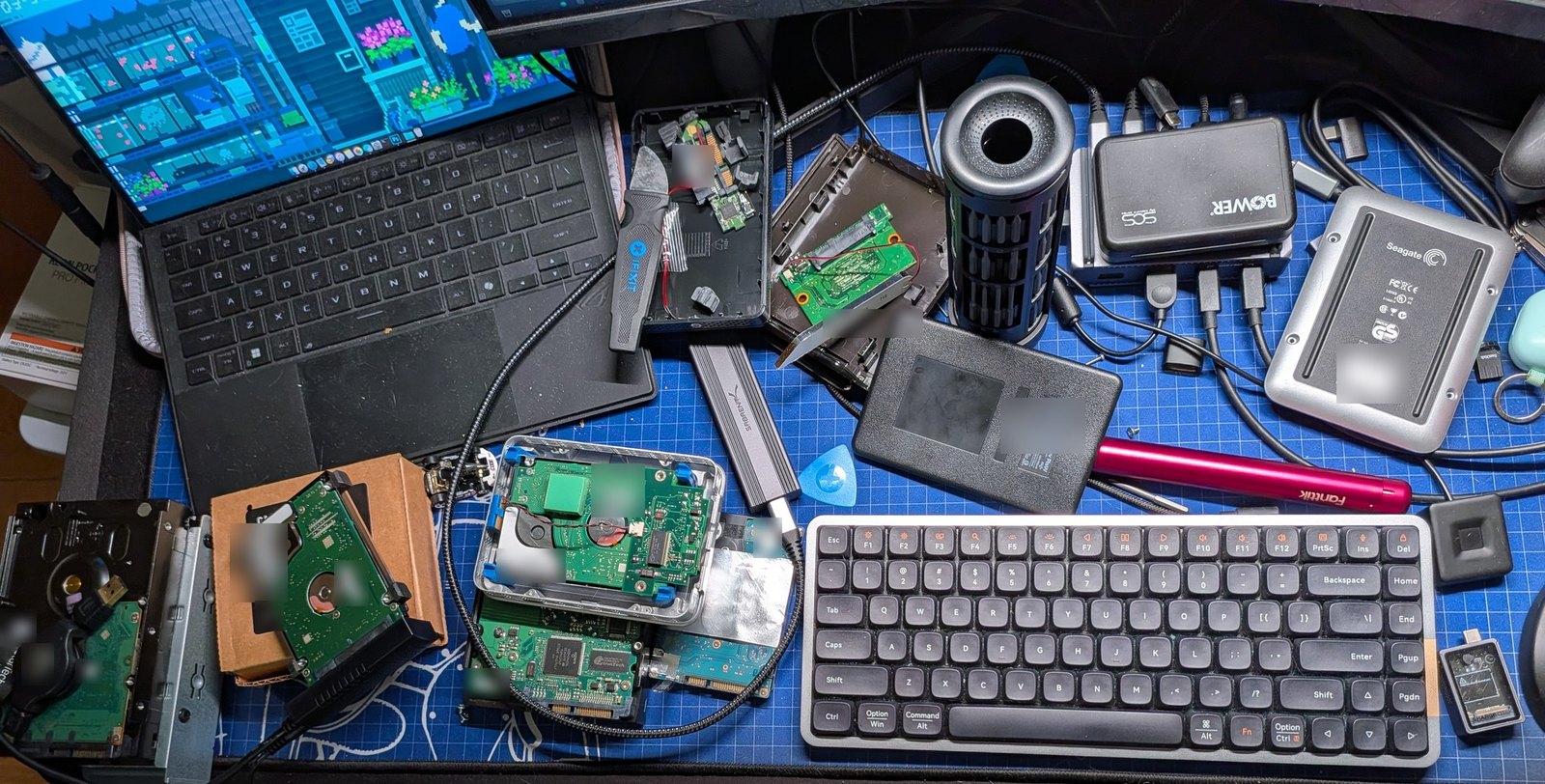
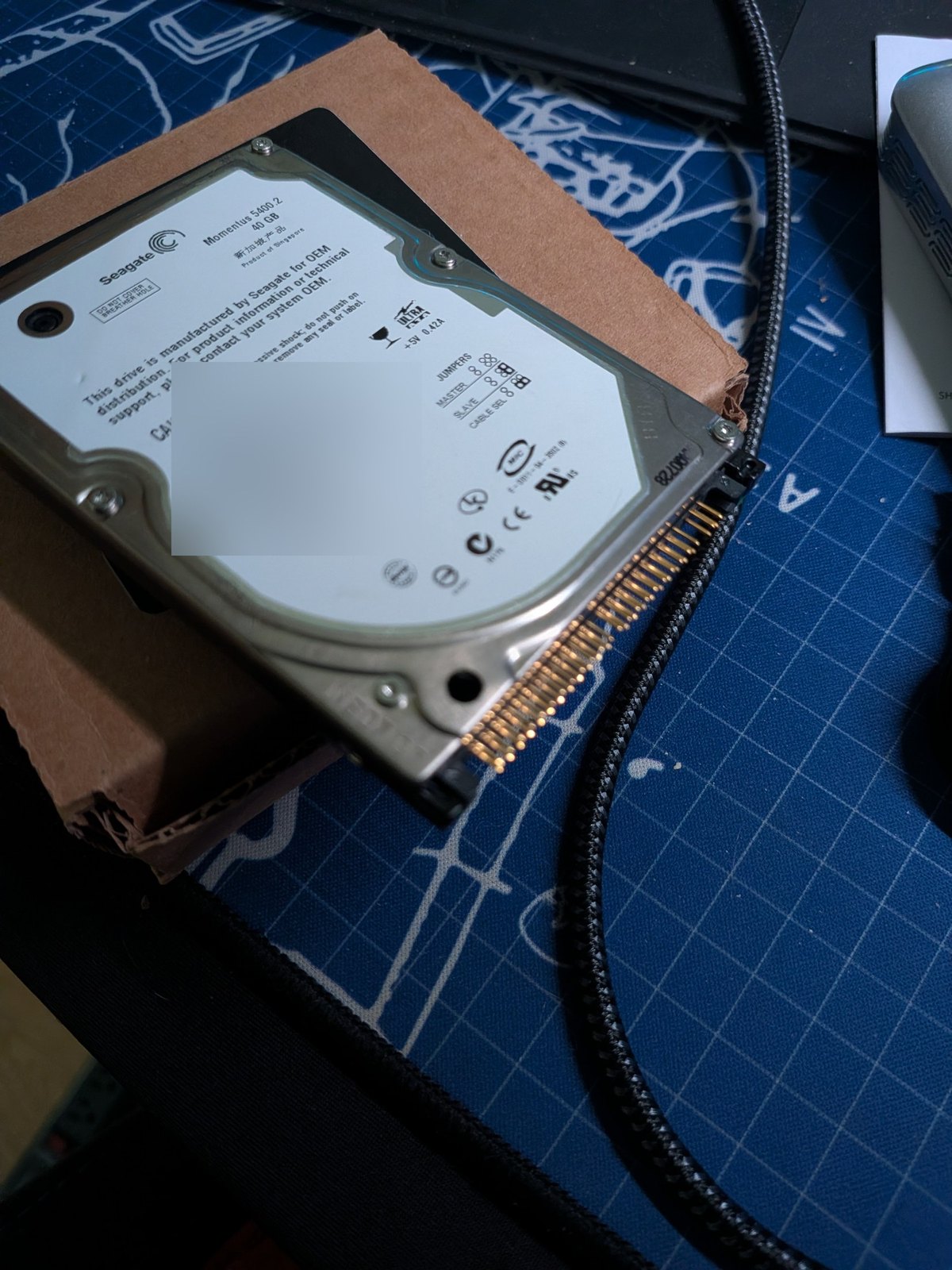
Someone handed me a cardboard box with seven hard drives in it.
One had come out of a desktop that caught fire. Nobody knew the passwords to any account that machine had ever been signed into. There was no backup anybody could name. The brief was one sentence: find out what's still on these.
The client asked to stay anonymous, so nothing here identifies whose files these were. Everything else is exactly what happened.
The promise that shaped everything
It's easy to hand someone a folder with a big number on it. It's much harder to hand them a number that means something.
Two files with the same name and the same size are not necessarily the same file. A photo that opens as a black rectangle is not necessarily a photo. Windows will happily tell you a file is 716 MB when there's nothing inside it at all.
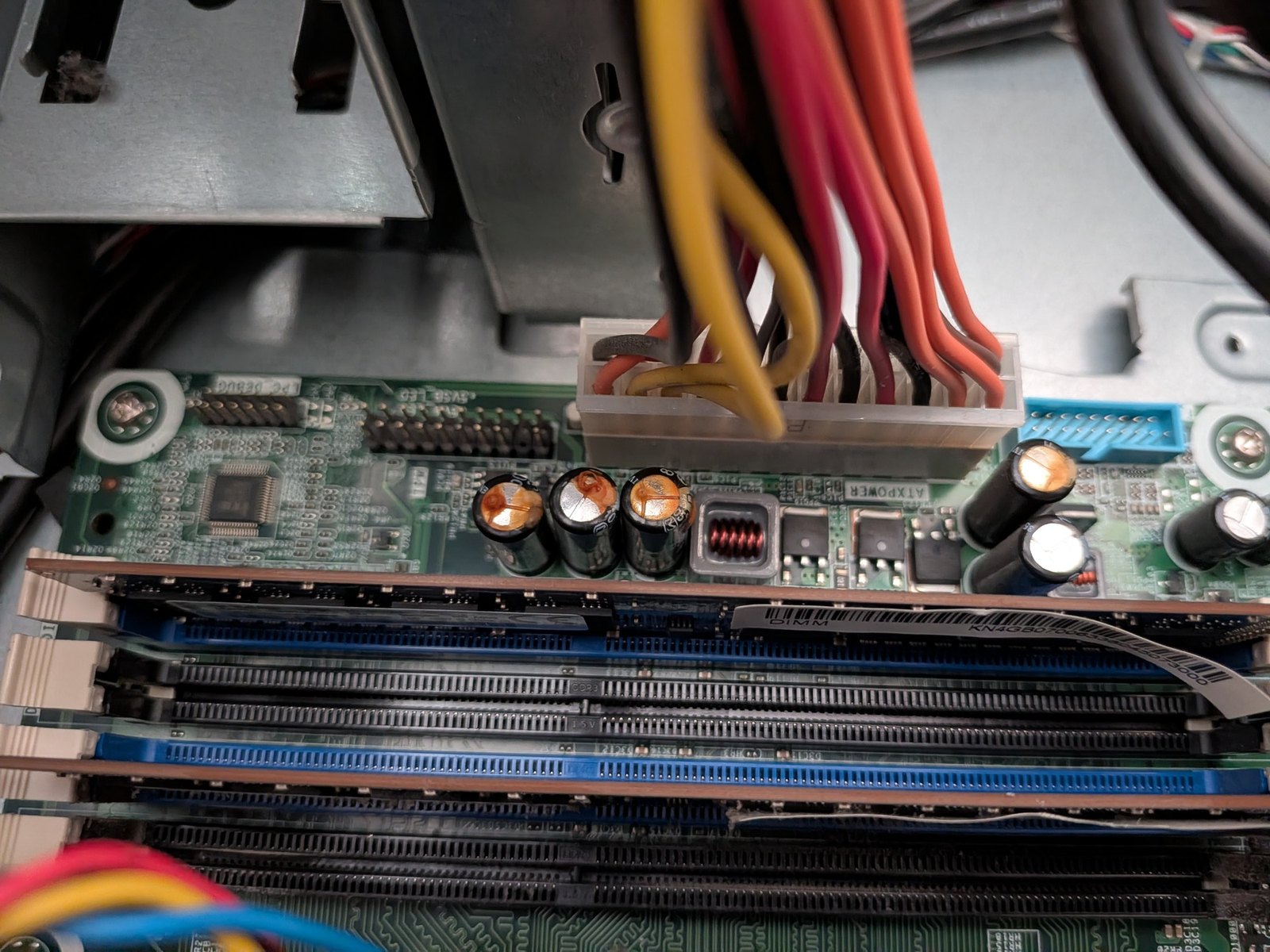
So I set one rule before writing any code: nothing gets counted, merged or thrown away based on what the computer says about it. Duplicates get matched on size first, because that's cheap — then confirmed by reading both files end to end and comparing every byte. Pictures get decoded before they're kept. Text gets read before it's called a document.
That rule made everything slower. It also caught two mistakes that would have destroyed real files, which I'll come to.
What came back
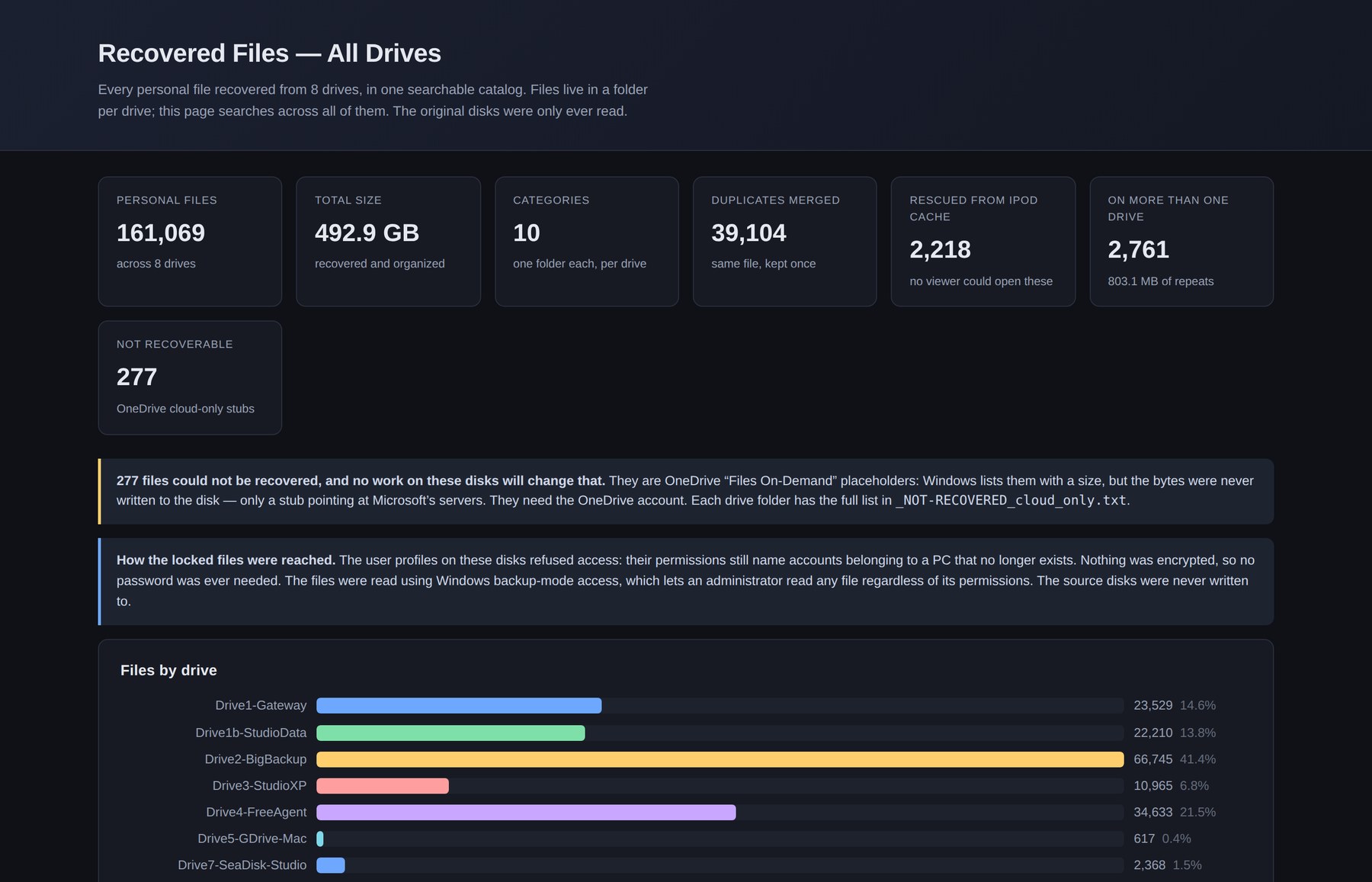
161,069 files. 492.9 GB. Seven physical disks that turned into eight recoverable volumes between them, because two of the drives had a second life hiding in their unused space.
The number I'm most pleased with is 39,104 — duplicates found and merged, every one confirmed identical byte for byte before anything was collapsed. The one that matters most to the family is 277: files that genuinely could not be recovered, for a reason no amount of work on these disks would fix.
The disk Windows only half admits to
An early inventory in PowerShell counted 42,396 files on one drive. A second pass in Python found 166,832 on the same disk.
The cause is a limit older than most of the files: Windows stops looking at paths longer than 260 characters. It doesn't warn you. It just returns a shorter list and calls it done. Three quarters of that drive lived in the kind of deeply nested folders that a decade of "New Folder (2)" produces.
There's a prefix that lifts the limit, with one trap worth writing down: it must never reach Python's path-comparison function, which treats the prefixed and unprefixed forms as different disks entirely and refuses to compare them. Strip it for arithmetic, add it back for anything that touches the disk.
The files that were never there
Two of these computers kept their real files in the cloud. What sat on the disk was a placeholder — a name, a plausible size, and no contents whatsoever.
I got this badly wrong first time round. I flagged 280 files as cloud placeholders and was ready to recommend deleting them. They were real files, including a 716 MB Photoshop document, that had failed to copy and been left as empty stubs. If that recommendation had gone out unchecked, the largest single file on the drive would have been deleted on my say-so.
The fix isn't a smarter rule. It's opening the file and reading it. A placeholder is only a placeholder if it behaves like one when you actually try.
Reading the empty space
Some drives had been reformatted, or partly written over. Those got carved — scanning the raw disk for the signatures that mark the start of a JPEG or a document, ignoring the filing system entirely. It's how you recover files that no longer have a name or a folder.
Carving throws up a question that looks obvious and isn't. When you recover both a video and a pile of still images, it's tempting to assume the stills came out of the video.
The carver names every file after the sector it started at, which turns the output into a map of the disk. On one drive the video occupied sectors 29,975,456 through 43,176,795. All 26 stills sat between 47.4 and 47.6 million — a 2.2 GB gap. They were a media app's thumbnail cache, recovered on the same sweep, unrelated. The photo metadata agreed independently: the stills name a phone camera, which a frame pulled out of a video never does.
Two separate tests, same answer. That's the bar worth holding before telling someone anything about their own files.
Making 161,000 files something a person can actually use
None of this counts for much if the owner can't find anything. That meant a preview for every single file — and previews are where my honest failures were.
Video thumbnails sampled a few frames and kept whichever was tested last. The fallback frame was 6% into the clip, which is usually the opening fade. So the worst possible frame won by default on exactly the clips that needed help. Now it scores each frame and keeps the best one.
Dark photos — stage lighting, concerts, night shots — come out as black rectangles at thumbnail size and get dismissed as empty. Anything below a brightness threshold now gets lifted automatically, with a manual ladder to step through exposures. The first rung is deliberately the untouched original, so the first click always answers "what does this really look like?"
Camera raw files hold several images inside them. My first version pulled out the largest one, which on Canon files is unviewable sensor data. Nine real photographs had already been rejected as blank tiles before I caught it. It now takes the largest image that actually opens.
Two thirds of one batch rendered as broken pictures, because the preview code assumed every file was an image. Songs and letters were drawing as black rectangles indistinguishable from a black photograph.
Carved text needed its own sorting. 12,868 recovered text files: 12,318 turned out to be machine noise — logs, error strings, configuration — 482 were ambiguous, and 68 were written by a human being. The test that finally worked reduces each line to its shape, turning letters into a and digits into #. A graphics driver's update log uses plenty of ordinary words and ends its lines with full stops, so it reads as prose right up until you stop reading the words.
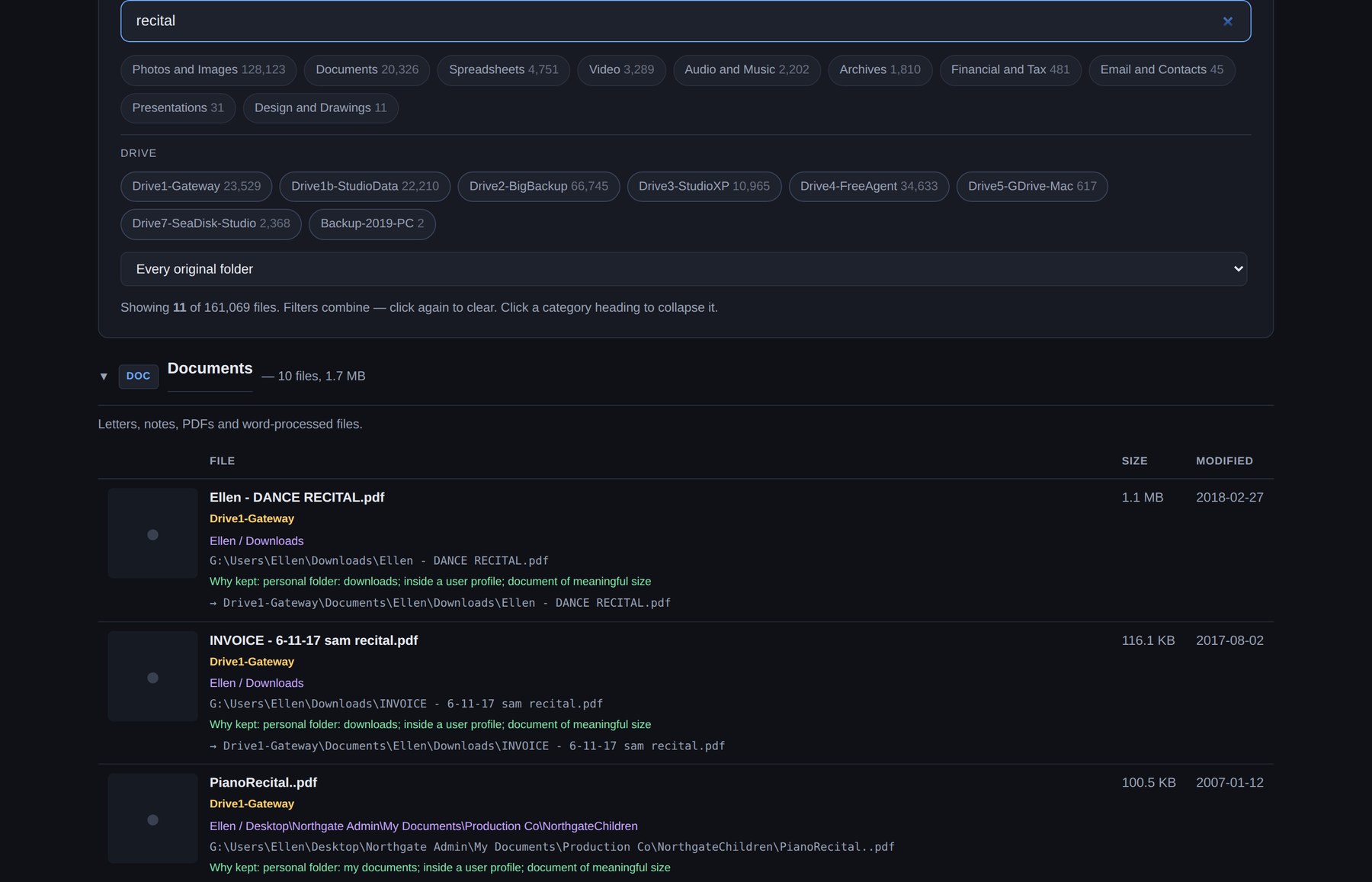
Every file in the index carries a plain-English line explaining why it survived the filter. If something looks like it shouldn't be there, you can see the reasoning rather than trust it.
Hardware has a limit, and it isn't in the manual
The USB enclosure doing most of the reading had a failure curve I had to map by hand. Ten parallel workers locked it solid — no recovery short of pulling the power. Four gave a two-and-a-half minute burst of errors and recovered on its own. One was clean. Everything sustained after that ran at four, and the setting is pinned in the script with a comment explaining why.
I also misread those errors twice, reporting an ongoing failure when I was looking at a log window containing a burst that had already ended. Timestamps settled it: the whole event had a beginning and an end, both of them in the past by the time I looked.
What was handed over
Everything readable, sorted by kind, kept in a separate folder per drive — because remembering which machine something lived on turns out to be the fastest way for someone to find it again.
A searchable index covering all of it, plus a phone-sized version. The first build of that was a single 48 MB page; it's now a 1 KB first load, with the search data fetched only when someone actually searches.
A start-here page in plain language, including the one thing this recovery couldn't do. Those 277 files need a cloud account login that nobody has yet — and if anyone gets back into it, it may hold more than all seven drives put together.
The whole set went onto a single drive to hand over in person, arranged so it can be copied onto the family's own network storage and browsed from a phone on the sofa.
The bit I'd keep
Three of the four things I was most confident about during this job turned out to be wrong. Every one was caught the same way — by checking the actual result instead of the reasoning behind it. Reading the bytes instead of the label. Comparing timestamps instead of skimming a log. Opening the image instead of measuring it.
Most of what shipped is just those checks, written down somewhere they can't be skipped next time.